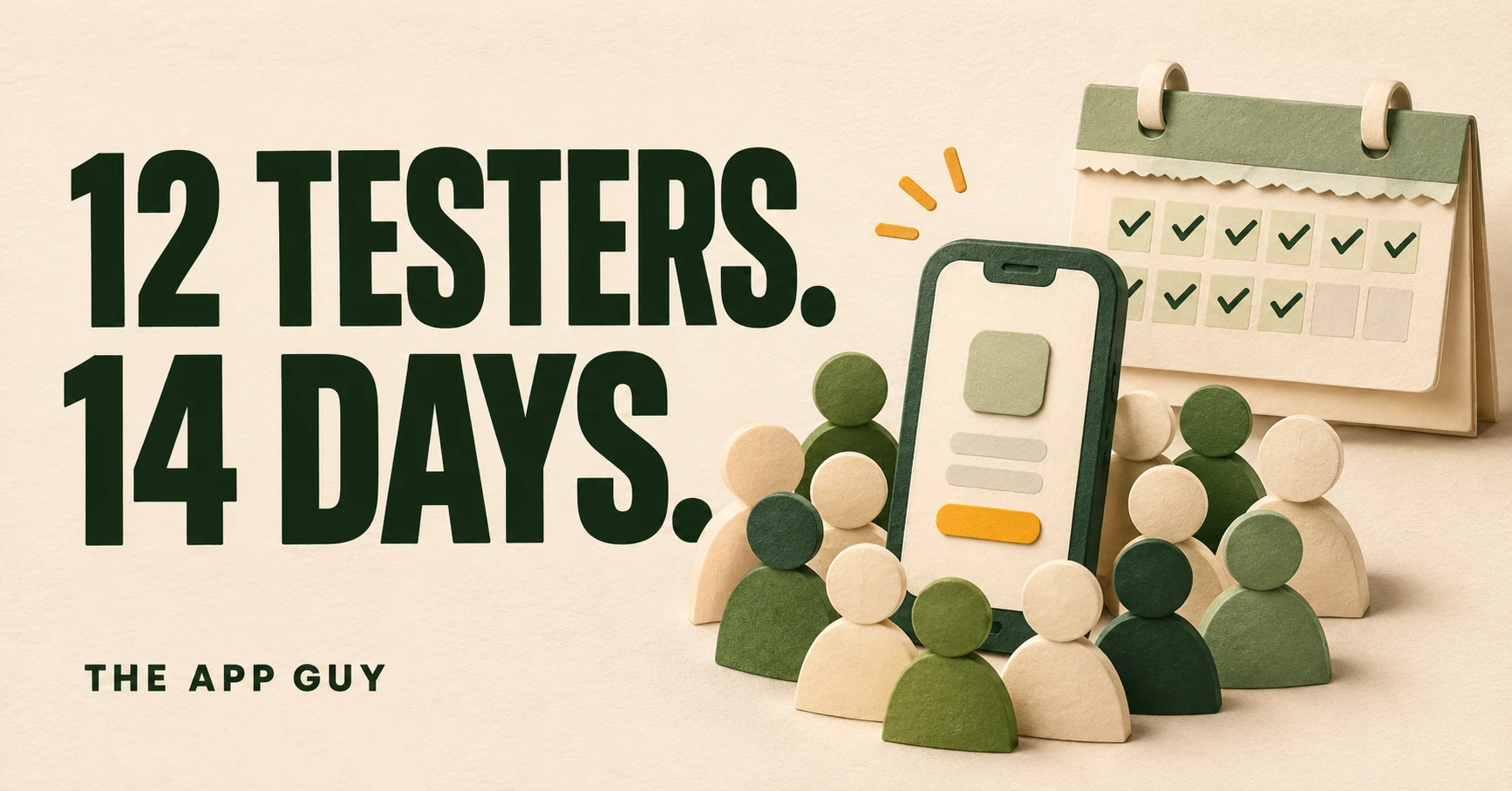
If your Google Play developer account is a newly created personal account, Google Play closed testing is a gate you have to clear before launch. When you apply for production, at least 12 testers must be opted in to your closed test, and each must have been opted in continuously for the preceding 14 days. Run it as a two-week test project with an owner, a schedule and a feedback loop, not as a box you tick on the last day.
What does Google Play closed testing require in 2026?
As of November 2026, personal developer accounts created after November 13, 2023 must run a closed test with "a minimum of 12 testers who have been opted in continuously for at least 14 days" before they can apply for production access. Until then, the Production and Pre-registration options stay locked for the app.
- 12 testers must be opted in to the closed test at the moment you apply.
- They must have been opted in for the preceding 14 days, continuously.
- A tester who opts out and back in has to complete 14 consecutive days again to count.
- Closed testing becomes available once app setup is complete. Open testing stays locked until you have production access.
- Internal testing has no prerequisites, but it is a separate track.
The rules are on Google's App testing requirements for new personal developer accounts page. That page covers personal accounts only. It says nothing about organization accounts, so check what your own Dashboard shows rather than assuming either way.
How do you set up a closed testing track in Play Console?
To set up a closed test, open Test and release > Testing > Closed testing in Play Console, click Manage track, add testers on the Testers tab, then roll out a release. You can add testers by email list or Google Group. Each list holds up to 2,000 users, so list size is never the limit. Getting people to opt in is.
- On the Testers tab, create an email list or enter a Google Group such as
yourgroupname@googlegroups.com. - Add a feedback URL or email address. Google shows it on the tester opt-in page.
- Copy the shareable opt-in link and save your changes.
- Create a release on the closed track and roll it out.
- Share the opt-in link plus the Play Store URL once the release is live. Testers can't find a pre-production app by searching Play.
Google's test setup page lists several traps. "The opt-in link displays only when an app status is 'Published'", so Draft and Pending publication apps have no link. Uploading a CSV overwrites the addresses already in the list, and CSV files saved as UTF-8 with BOM are rejected. With a Google Group, people must join the group before they can opt in. Anyone already in your internal test must leave it before they can receive the closed test.
How many testers should you recruit, and which ones count?
Recruit 15–16 testers, not 12, because only people opted in through the Play opt-in link count and anyone who drops out before day 14 doesn't count at all. Each tester's 14 days start when they opt in, so a late joiner pushes back your earliest application date.
Good sources are your mailing list, beta waitlist, friends who own Android phones, and other indie developers who will test your app if you test theirs. Ask each person to confirm that they accepted the opt-in link and installed from Play. A sideloaded APK or a forwarded build doesn't count. If your app is paid, Google notes that testers must buy it to take part, which is one more reason to offer a free test build or promo route.
What should testers do during the 14 days?
Testers should use the app the way real users would, with a specific task each few days, so that you collect feedback and ship fixes during the window. The production form asks whether testers used all features and whether their usage matched real-world behavior, and you need answers to both.
| Days | Tester task | What you collect |
|---|---|---|
| 1–2 | Install from Play, sign up, finish onboarding | Install failures, confusing first screens |
| 3–5 | Complete the core action once per day | Crashes, slow screens, device-specific bugs |
| 6–9 | Try settings, notifications, offline or poor network | Edge cases and permission prompts |
| 10–12 | Test any purchase or subscription flow with a licensed tester account | Billing and restore problems |
| 13–14 | Short survey and a final build check | Readiness decision, list of fixes shipped |
Testers cannot leave public reviews on test versions. Collect feedback through your feedback URL or email, or through private feedback in Google Play. Keep a log of each report, what you changed and which build fixed it. If testing turns up crashes or broken screens, the release-build test plan for 2.1 rejections is a useful checklist for Android builds as well.
What happens when developers get "more testing required"?
Public reports show that reaching the tester count gets you to the application but doesn't guarantee approval. What separates approvals from rejections is visible tester engagement and updates driven by feedback.
- Rejected after a tester service. On the MIT App Inventor community, a developer reported in July 2024 (when the bar was 20 testers) that they reached the count through a tester-exchange service. They still got "More testing required to access Google Play production", with the reasons "Testers were not engaged with your app during your closed test" and "You didn't follow testing best practices, which may include gathering and acting on user feedback". Google told them: "Before applying again, test your app using closed testing for an additional 14 days with real testers." They also said they couldn't fill in the post-test form because they didn't know who their testers were or how they had tested. The thread page reports no resolution.
- Approved after a reworked test. A developer on DEV Community found that most friends and family used iPhones. Only 4–5 people installed the app, and about half removed it within days. They switched to a Google Group set to "Anyone can join" and recruited other developers through a reciprocal-testing app, which the post promotes. They reached 14 testers in two days, shipped 6 small updates during the window and wrote careful form answers. They report approval two days after applying.
Takeaway: both developers met the tester count. The approved one could point to real usage, updates and feedback, while the rejected one had numbers but no evidence they could describe on the form. If you have already received that email, the guide to Google Play "More testing required" covers what to change before you re-apply.
What does the Apply for production form ask?
The Apply for production form, opened from the Dashboard, has three parts: your closed test, your app, and your production readiness. Answers are lost if you click Discard or leave a section without clicking Next, so draft them in advance.
| Section | What Google asks |
|---|---|
| About your closed test | How easy recruiting was, tester engagement versus real-world use, a summary of feedback and how you collected it |
| About your app/game | Target audience, value proposition, estimated first-year installs (not shown publicly) |
| About your production readiness | Changes made from the test, how you decided the app was ready |
Google also warns that "review is not a troubleshooting step". Before you apply, confirm policy compliance, content rating, stability and, if your app needs sign-in, working login credentials. The demo account setup guide is written for Apple, but the same reviewer login works for Google.
What should you check before pressing Apply for production?
Before applying, confirm that at least 12 opted-in testers each have 14 continuous days, that your feedback log shows fixes shipped, and that all app setup tasks are complete. Plan the launch date around Google's review, which "usually takes seven days or less, but can occasionally take longer."
Worked example: a solo developer finishes app setup on Monday and rolls out build 1. They invite 16 people from a waitlist and a developer community, and 14 have opted in by day 2. They chase two people and add three more. On day 4 a tester reports a crash on an older device, and build 2 ships on day 5. Because the later joiners started their 14 days later, the developer counts days per person, not from the first release. They apply once 12 people have 14 continuous days, with a log showing nine bugs found and seven fixed.
- Dashboard shows at least 12 opted-in testers with 14 continuous days each.
- The latest closed-track build is the one you plan to promote, and it meets the current target API level (see the target API level 36 guide).
- The feedback log lists issues found, changes made and builds shipped.
- Store listing, content rating, data safety and other setup tasks are complete.
- Reviewer login credentials work, if the app requires sign-in.
- Form answers are drafted and specific about real testers and real changes.
If you also ship on iOS, the App Store submission checklist covers the Apple side. If you'd rather hand the launch off, our App Store submission service sets up Play Console and App Store Connect and prepares both reviews for $599; developer account fees are separate. You can also email yagyeshsrbobde@gmail.com.
Frequently asked questions
Do organization accounts need 12 testers for Google Play?
Google's help page on testing requirements applies to personal developer accounts created after November 13, 2023, and its rules are written for those accounts only. It does not list organization accounts or older personal accounts. The reliable check is your own Play Console Dashboard: if Production is locked and the Dashboard shows a closed-testing task, the requirement applies to you.
Does internal testing count toward the 14 days?
No. The requirement is a closed test with 12 testers opted in for 14 continuous days. Internal testing is a separate track with no prerequisites. Anyone already in your internal test has to leave it before they can receive the closed test, so move your core testers onto the closed track early and count their days from when they opt in there.
What happens if a tester leaves before 14 days?
A tester who opts in, tests for less than 14 days and then leaves doesn't count. If they rejoin, they need 14 new consecutive days. Each tester's days are counted from their own opt-in, so a replacement who joins on day 10 delays your earliest application date. Recruiting three or four extra testers protects you against dropouts.
Can I use a paid tester service for Google Play closed testing?
Google doesn't name tester services, but it does review tester engagement and may require 14 more days if testers were not engaged. One developer on the MIT App Inventor forum reported a "More testing required" reply after using a tester-exchange service, and said they couldn't answer the form because they didn't know how their testers had tested. Real testers you can describe make the application easier.
How long does Google take to approve production access?
Google says review of a production access application usually takes seven days or less, but can occasionally take longer. It emails the account owner when the review is done. Add that week to the 14-day test when you plan a launch date, and budget for a possible extra 14 days if Google asks for more testing.
Sources & further reading
Policies change. Check the official documentation before you submit.
- App testing requirements for new personal developer accounts - Play Console Help ↗Checked Nov 10, 2026
- Set up an open, closed, or internal test - Play Console Help ↗Checked Nov 10, 2026
- Google's 20 testers requirement (now only 12/14 testers) - MIT App Inventor Community ↗Checked Nov 10, 2026
- How to find 12 testers for your Android App - DEV Community ↗Checked Nov 10, 2026
Ready to submit, or stuck in review?
We set up App Store Connect and Play Console, prepare the review, submit both apps and work through rejection feedback with you. $599 for both stores; developer account fees are separate.
Book a call ↗See the submission service ↗Free readiness checklist ↗