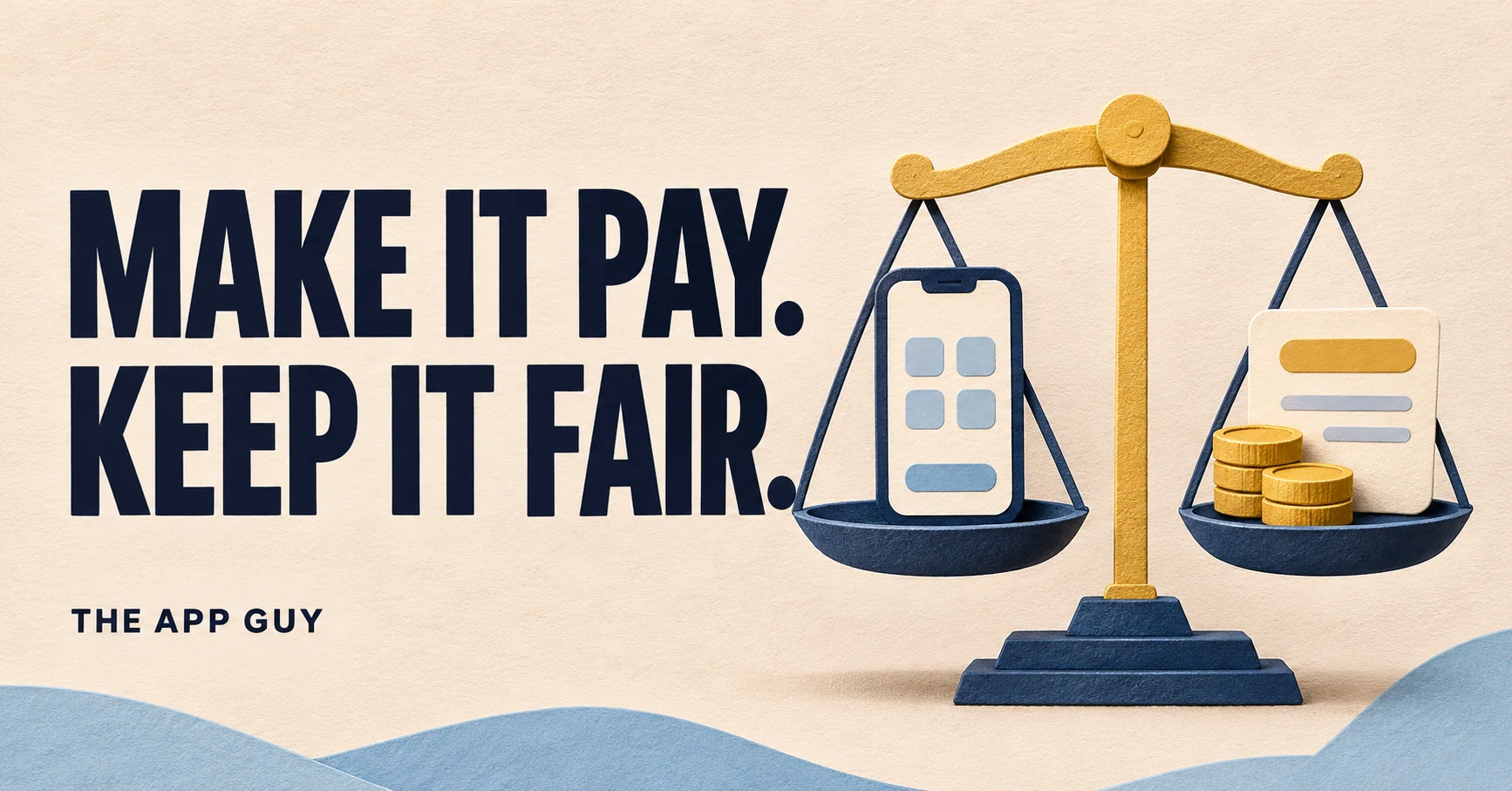
To monetize an app well, start with one question: what value does a person get, and how often? A cloud service, an offline tool and a casual game have different costs and usage patterns, so they don't need the same paywall. Pick the model first. Then check the store payment rules and the 2026 fees, because together they decide how you can charge and what you keep.
Which app monetization model should you choose?
Choose the model that matches how often a user gets value and how much each user costs you to serve. Each model below fits a different kind of product.
| Model | Works best when | Tradeoff to watch |
|---|---|---|
| Subscription | The value and your operating costs repeat: content, sync, a service or a workflow people repeat. | You need a convincing reason to renew and a clear way to cancel. |
| One-time unlock | The paid value is a feature set that doesn't change much, or an offline tool. | One payment must cover future support and any ongoing costs. |
| Paid download | The store listing can explain the value before anyone installs. | An upfront price makes people less willing to try an unfamiliar app. |
| Ads | Usage produces enough impressions and users accept the interruption. | Revenue depends on geography and engagement, and an ad SDK adds privacy and startup costs. |
| Consumable purchase | Users buy separate units of a real service or game item. | Explain what each unit is worth, and deliver purchases reliably. |
A hybrid can work, but every extra model is another rule to explain and more purchase states to test. Start with the smallest model you can explain clearly. "Free to try, pay once to export" is easier to understand than credits, subscriptions and ads all at once.
When does a subscription make sense, and what does Apple require?
A subscription makes sense when the app keeps delivering value. Apple's Guideline 3.1.2(a) says auto-renewable subscriptions "must provide ongoing value to the customer" and that the period "must last at least seven days and be available across all of the user's devices."
Putting your existing settings screen behind a monthly price doesn't meet that bar. Good fits include reliable sync, fresh content, cloud processing or a maintained service. If you switch an existing paid app to subscriptions, the same guideline says you "should not take away the primary functionality existing users have already paid for."
Before purchase, Guideline 3.1.2(c) asks you to "clearly describe what the user will get for the price." Apple's subscriptions page lists what the sign-up screen needs: the subscription name and duration, what's included, a prominent full renewal price, a way to sign in or restore purchases, and links to your Terms of Use and Privacy Policy. Test renewal, cancellation, expiration and restore. A person who cancels today should keep access until the paid period ends.
When is a one-time purchase or paid download the better fit?
A one-time purchase fits a self-contained tool whose costs don't grow with use, such as an offline editor or a utility that runs on the device. It fits poorly when you promise expensive AI processing, storage or manual support indefinitely in return for a single payment.
On iOS, you can still offer a trial without a subscription. Guideline 3.1.1 allows a non-consumable in-app purchase at Price Tier 0 named "XX-day Trial". Before the trial starts, you must state how long it lasts, what becomes locked and what full access costs. If you sell metered services as consumable credits next to a one-time unlock, remember that credits bought through in-app purchase "may not expire." Don't advertise "unlimited" and then hide a hard cap on a support page.
Are ads a good way to monetize a small app?
Ads can fund a free app only when usage produces enough impressions. With a small or niche audience, ad revenue may not cover the privacy work and slower startup an ad SDK brings.
Measure whether ad placements hurt the main task. In a quick utility, an interstitial ad shown before the result may cost more in lost users than it earns. An ad-free upgrade is a digital purchase: Google's Payments policy names "an ad-free version of an app" as premium functionality that goes through Play billing. Ad SDKs also collect data, so update your disclosures. Our privacy label SDK audit walks through that check.
How much do Apple and Google take from app revenue in 2026?
As of October 2026, Apple keeps 15% from Small Business Program members and on subscriptions after a year of paid service. In the US, UK and EEA, Google Play charges a 10% service fee plus a 5% billing fee on subscriptions paid through Play billing.
Google's new structure started on June 30, 2026 in the US, EEA and UK, and on September 30, 2026 in Australia and Japan, according to its service fees page. In those regions, the 5% billing fee applies only to purchases made through Google Play billing. Other markets keep the older rates until the change reaches them.
| Transaction | Apple App Store | Google Play (US, UK, EEA, AU, JP) | Google Play (other markets) |
|---|---|---|---|
| Auto-renewing subscription | You receive 70% in year one and 85% after one year of paid service. Small Business Program members get 85% from day one. | 10% service fee + 5% billing fee | 15% |
| Other digital sales, first $1M per year | 15% commission in the Small Business Program | 10% + 5% billing fee | 15% |
| Other digital sales above $1M | Standard commission rate | 20% + 5% for new installs, 25% + 5% for existing installs | 30% |
Apple's Small Business Program covers developers with up to $1 million in proceeds in the prior calendar year, plus developers new to the App Store. Free trials don't count toward the year of paid service needed for Apple's 85% subscription rate. Fees depend on the program and the transaction, so build forecasts from your real account terms rather than a single percentage.
When can you use your own payment link instead of in-app purchase?
On Apple's United States storefront, apps may now include buttons, external links or other calls to action that lead to other purchase methods. Elsewhere, digital features must use in-app purchase unless a region-specific entitlement or a listed exception applies.
- Apple, outside the US: Guideline 3.1.1(a) requires a StoreKit External Purchase Link Entitlement, available only in specific storefronts and on certain platforms.
- Apple, physical goods: Guideline 3.1.3(e) says physical goods or services used outside the app must use payment methods other than in-app purchase.
- Apple, one-to-one live services: under 3.1.3(d), real-time person-to-person services such as tutoring may use other payment methods. One-to-few and one-to-many services must use in-app purchase.
- Google Play: digital goods use Play billing unless you enroll in an alternative billing or external offers program for an eligible country. Physical goods and physical services must not use Play billing.
What monetization mistakes have gotten other apps rejected?
The most common payment rejection is unlocking paid features through anything other than the store's purchase system. Developers often try codes or web purchases to get around the store.
In a 2019 Apple Developer Forums thread, an outdoor escape-game developer sold game codes on their website and through partners. Users then entered the codes in the app. The update was rejected under "Guideline 3.1.1 - Business - Payments - In-App Purchase" because the app "allows users to unlock additional content by purchasing a code." The developer cited 3.1.3(b). Replies pointed out that multiplatform access still requires the same items to be "available as in-app purchases within the app."
In a January 2025 thread, a developer used their own partner promo codes to show a cheaper of two valid in-app purchase products. Apple rejected it because "the app uses a promo code to unlock or enable paid features." The appeal was denied with the guidance: "If you want to provide discounted subscriptions in the app, use an Apple-supported offer code."
Both cases have the same lesson. Apple doesn't care whether your code unlocks content directly or only changes the price. If anything outside StoreKit decides who gets paid features, expect a 3.1.1 rejection.
How do you know whether your monetization is working?
Measure one change at a time, starting with activation and ending with retained, non-refunded revenue. A higher first-purchase conversion isn't a win if more people refund or stop renewing.
Worked example: "After users finish their first successful export, show the paid export option with one clear explanation." Set the metric (purchase conversion and 30-day refunds) and the time window before you change anything. A tiny sample doesn't justify a confident pricing conclusion. Before shipping the paid release, run this checklist:
- Confirm a new user reaches the useful part of the app before seeing the paywall.
- Show the price, billing period and what's included in plain language.
- Test successful, pending, failed, refunded and restored purchases in a release build.
- Check that entitlements survive a reinstall and carry across the user's devices.
- Give App Review a working path to every paid feature, with a demo account if login is required.
- Track renewal and churn by cohort for subscriptions.
If purchases break during review, the 2.1 release-build test plan covers the fix. The review demo account guide shows how to give reviewers access, and the App Store submission checklist covers the rest of the release. To plan the monetization flow before you build it, see our services.
Frequently asked questions
Can I monetize an app without ads?
Yes. Most ad-free apps earn through subscriptions, a one-time unlock, a paid download or consumable purchases. These models fit focused tools and services well, because nothing interrupts the main task. Whatever you choose, on iOS digital features and content must be sold through in-app purchase under Guideline 3.1.1. On Google Play they go through Play billing, unless you're enrolled in an alternative billing or external offers program for an eligible region.
Is a subscription or a one-time purchase better for a small app?
Choose a subscription when your costs or the value you deliver repeat, such as sync, content, cloud processing or a maintained service. Choose a one-time purchase when the paid feature set doesn't change much and runs mostly on the device. A common hybrid is a one-time unlock for the tool plus consumable credits for metered services like AI processing. That way heavy users don't cost more than they paid.
How much does Apple take from in-app purchases in 2026?
As of October 2026, members of the App Store Small Business Program pay a 15% commission on paid apps and in-app purchases. Developers with up to $1 million in proceeds in the prior calendar year qualify, and so do new developers. For auto-renewable subscriptions, you receive 70% in the first year of paid service and 85% after that. Program members get 85% from day one. Developers outside the program pay the standard rate on other sales.
Can I use Stripe instead of Apple in-app purchase?
For physical goods or services used outside the app, yes. Guideline 3.1.3(e) requires a payment method other than in-app purchase for those. For digital features, you must offer in-app purchase. On the US storefront, Apple now allows buttons and links to outside payment methods without an entitlement. In most other storefronts you need a region-specific entitlement. Custom unlock codes bought on the web are rejected under 3.1.1.
Do I need to offer a free trial for my subscription?
No, a trial is optional, but if you offer one, set it up as an introductory offer in App Store Connect. Apple requires trial sign-up screens to clearly show the trial length and the price charged afterward. For non-subscription apps, Apple allows a free trial through a non-consumable in-app purchase at Price Tier 0 named "XX-day Trial". Before the trial starts, explain what becomes locked when it ends.
Sources & further reading
Policies change. Check the official documentation before you submit.
- Apple: App Review Guidelines (3.1 Payments) ↗Checked Oct 24, 2026
- Apple: Auto-renewable subscriptions ↗Checked Oct 24, 2026
- Google Play: Payments policy ↗Checked Oct 24, 2026
- Google Play: Service fees ↗Checked Oct 24, 2026
- Apple Developer Forums: App rejected - violating 3.1.1 ↗Checked Oct 24, 2026
- Apple Developer Forums: Rejected: Guideline 3.1.1 - Business - Payments ↗Checked Oct 24, 2026
Need a developer for the next release?
We review the app you have, keep what works and quote a fixed scope for the next release: reliability, payments, integrations or deployment.
Book a call ↗See MVP to production ↗